
Designing your own 3D-printed aircraft.
Tools, courses, channels, and references for learning how printable RC aircraft are designed, checked, tested, and improved.
Use this page as a resource shelf for 3D-printed RC aircraft design: CAD, aircraft layout, propulsion estimates, CG checks, simulation tools, fixed-wing setup, and people worth learning from.
Two ways to check a design.
Use the quick loop when choosing parts and rough geometry. Use the higher fidelity loop when the aircraft needs deeper investigation.
Spreadsheet, eCalc, CG, and flight testing.
Fast enough for early decisions. This loop gets the rough aircraft into a believable range before the CAD becomes too detailed.
OpenVSP, SimScale, INAV logs, and flight testing.
Use this when you need more confidence in the shape, flow behaviour, cooling, ducting, structure, or a specific stability question.
Core tools.
The main tools for CAD, aircraft layout, cloud simulation, and early propulsion and CG checks.
Onshape
Browser-based parametric CAD for aircraft parts, assemblies, jigs, motor mounts, battery bays, and printable sections.
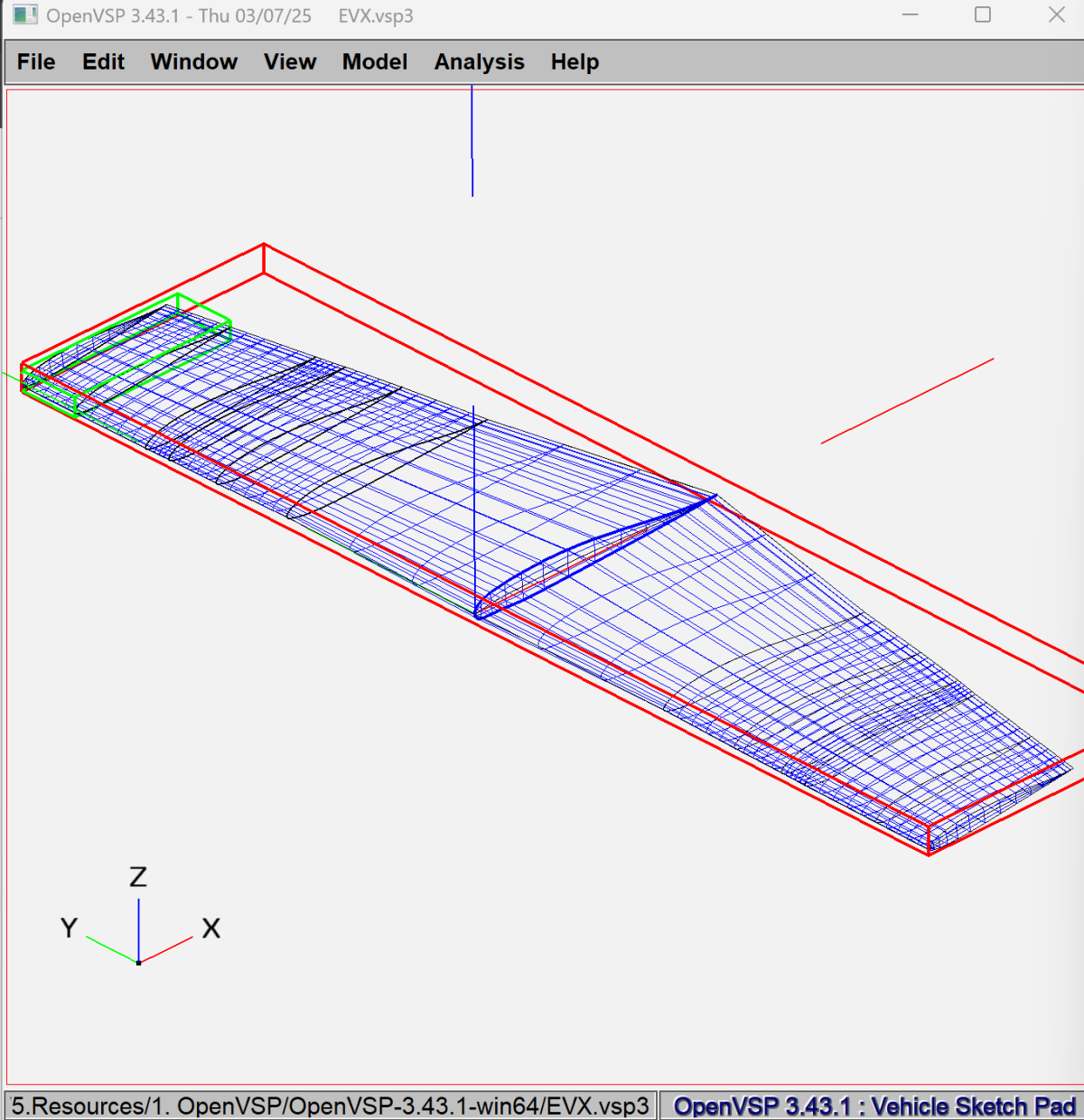
OpenVSP
Aircraft geometry tool for exploring wings, fuselages, tails, reference areas, sections, twist, and aero trends.
SimScale
Cloud simulation platform for CFD, FEA, and thermal checks when the design question needs more than rough estimates.
eCalc
RC calculators for motor, prop, EDF, CG, neutral point, battery load, thrust, and early performance checks.
Useful references.
Supporting links for learning the tools and checking fixed-wing setup details.
Onshape Learning Center
Official Onshape training for sketches, constraints, parts, assemblies, and general CAD workflow.
NASA OpenVSP Ground School
Official OpenVSP tutorial material for modelling workflow, aircraft geometry setup, and VSPAERO basics.
XFLR5
Low-Reynolds-number analysis tool for airfoils, wings, and simple aircraft models.
OpenFOAM
Open-source CFD software for deeper fluid-flow work when you want local control over the simulation workflow.
SimScale Tutorials
Official SimScale tutorials and user guides for cloud simulation workflows.
INAV Fixed Wing Guides
Practical guides for fixed-wing INAV setup, tuning, launch behaviour, modes, and troubleshooting.
Aircraft design learning.
Formal course material for aerodynamics, aircraft systems, and conceptual aircraft design.
MIT OCW Aerodynamics
Airfoils, wings, viscous flow, lifting-line ideas, induced drag, and aerodynamic theory.
MIT Aircraft Systems Engineering
Aircraft design as a system: weight, performance, risk, subsystems, and design tradeoffs.
NPTEL Introduction to Aircraft Design
IIT Bombay conceptual aircraft design course covering the structure of the design process.
IIT Bombay YouTube Playlist
Video lecture playlist for the NPTEL Introduction to Aircraft Design course.
Channels worth following.
RC aircraft, 3D-printed aircraft, INAV setup, flight testing, design iteration, and practical build content.
René Rosentraeger
3D-printed RC aircraft, VTOL projects, design process, build progress, and flight testing.
Painless360
Clear RC electronics, flight-controller, INAV, Betaflight, and fixed-wing setup explanations.
RCTestFlight
Drones, RC aircraft, aerodynamics experiments, boats, propulsion tests, and practical design iteration.
FPV University
Drones, RC airplanes, DIY, FPV, and INAV-related flying-wing setup material.
WUDFLY
WUDFLY aircraft, test flights, build progress, printed-airframe experiments, and project updates.
Use with the aircraft pages.
Internal WUDFLY pages for printing, build support, aircraft examples, and project updates.
Print profiles
LW-PLA profile guidance and downloadable print resources for lightweight aircraft parts.
DEV LAB
Chat with builders, follow updates, share progress, and message WUDFLY about projects.
All resources
Return to the main WUDFLY resource directory for printing, flying guidance, design links, and DEV LAB.
Quick answers.
Short answers for builders and search systems looking for the purpose of this page.
What tools are useful for designing a 3D-printed RC aircraft?
Useful tools include Onshape for CAD, OpenVSP for aircraft layout, SimScale for CFD/FEA/thermal simulation, eCalc for propulsion and CG checks, and INAV resources for fixed-wing setup.
What is the quick design loop?
The quick loop uses a mass budget, basic geometry, eCalc/cgCalc, powertrain checks, and flight testing to make early design decisions without overcomplicating the aircraft.
What is the higher fidelity design loop?
The higher fidelity loop uses OpenVSP, VSPAERO, SimScale, INAV logs, and flight-test feedback when a design needs deeper investigation.
Should every small RC aircraft use CFD?
CFD is useful for specific questions such as ducting, cooling, pressure fields, or unusual geometry. Early aircraft sizing is usually better served by mass, CG, wing loading, and power estimates.
Useful links, kept in one place.
Use this page as a reference shelf for aircraft design tools, setup learning, aerodynamics courses, RC channels, and WUDFLY build resources.