The radio, goggles, batteries and charger I use with my aircraft — and why I recommend them.
Practical equipment choices that work across builds, without spending more than you need to get flying.
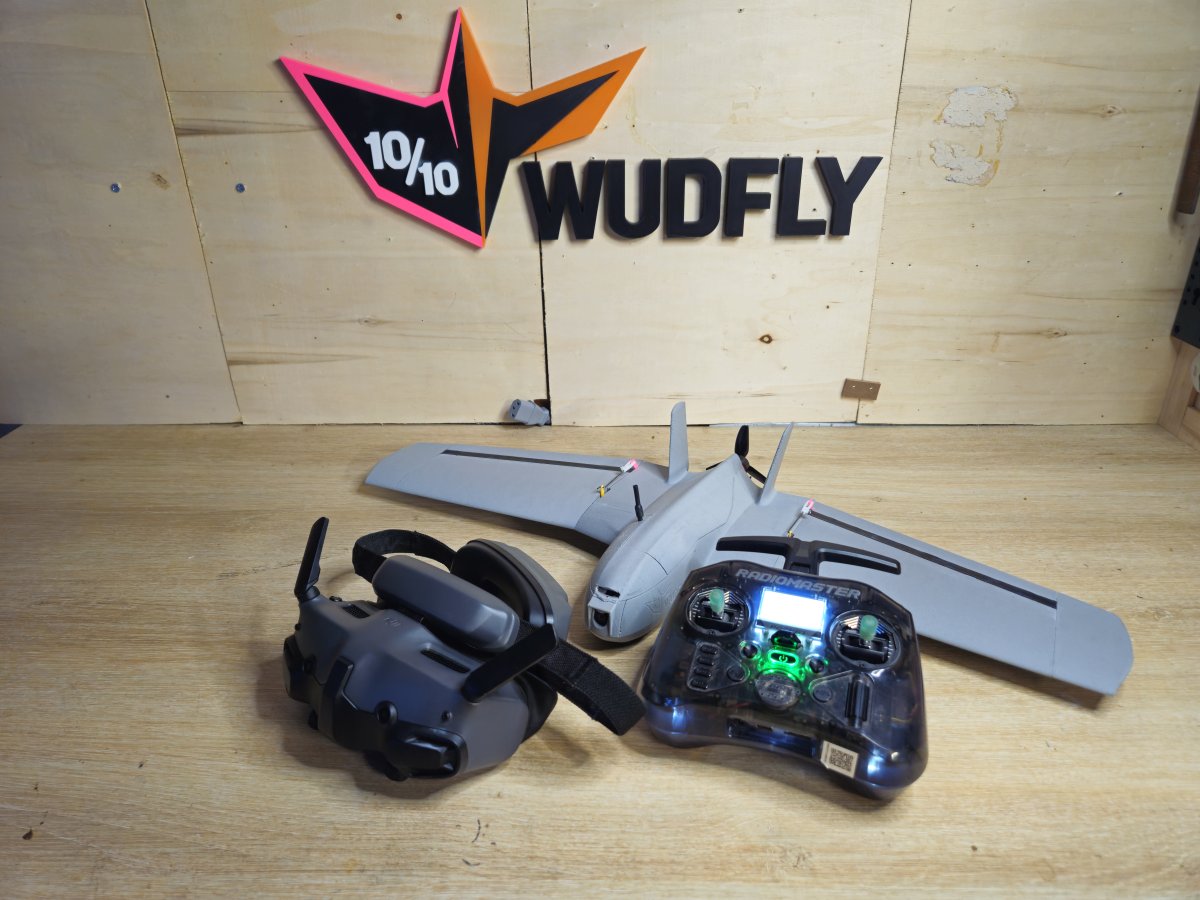
My working FPV setup, photographed in the WUDFLY workshop.
One dependable setup, several aircraft. Your radio, goggles and charger can accompany you from one WUDFLY build to the next. The flight battery and onboard components are selected for each aircraft.
Radio controllerExpressLRS link
FPV gogglesCompatible video system
Batteries + chargerAircraft-specific power
The equipment I use
Start with the essentials.
These are the pieces of equipment that have stayed with me across many different aircraft projects.
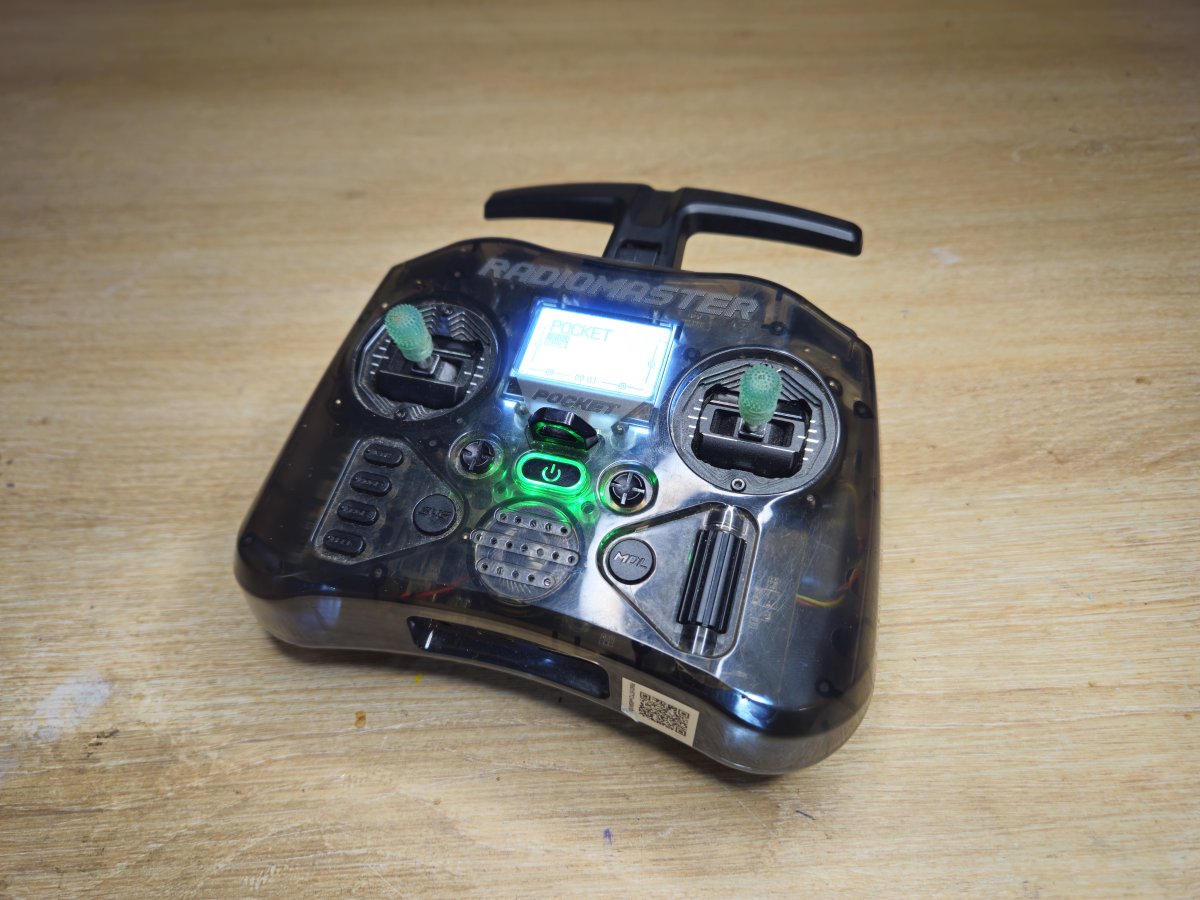
I use the RadioMaster Pocket with ExpressLRS for every WUDFLY build. It's compact, inexpensive and has handled everything I've asked of it, including my more complicated aircraft.
Most of the aircraft-specific work happens in the flight controller, so I don't need an elaborate radio. Mine has upgraded AG01 Nano gimbals, but they're a nice extra — the standard gimbals are perfectly capable.
My recommendation: Pocket ELRS
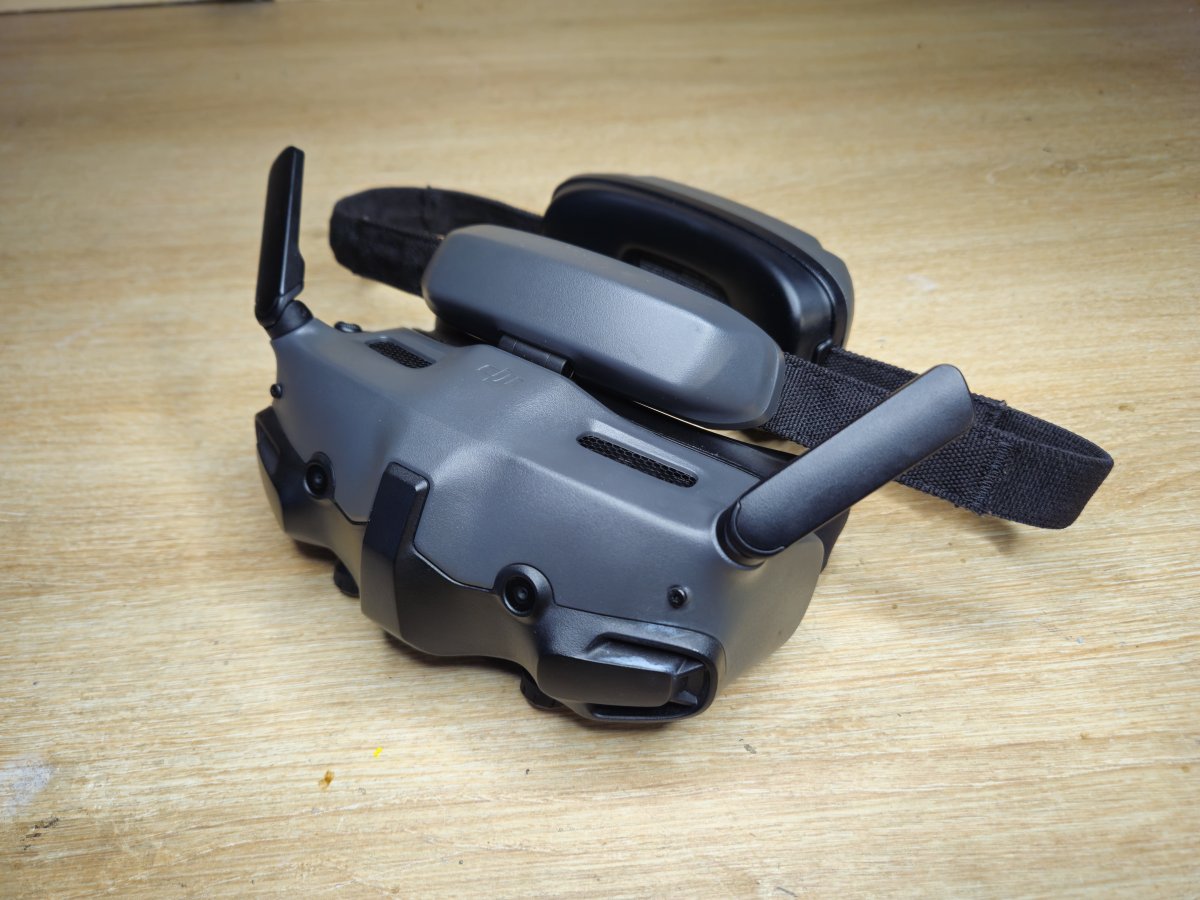
DJI Goggles 3 · my current digital FPV headset
02 / FPV video
See clearly. Record the flight.
I chose DJI Goggles 3 because I spend a lot of time flying and wanted a high-quality digital image. If you're starting with a compatible O4 setup, the more affordable DJI Goggles N3 can also make a lot of sense.
On small fixed-wing aircraft, carrying a separate action camera adds weight, drag and packaging complications. DJI gives me the live FPV view and high-quality onboard recording in one installation. I also design for alternative video systems where the aircraft supports them, with more Walksnail and analogue options in development.
Choose goggles for the air unit in your build
VENOM · Real onboard FPV flight
Real onboard FPV · VENOM
This is the view from the aircraft.
Real flight footage from my VENOM. The digital camera records the flight while the same system provides the live view through the goggles. It's why I place such a high value on the onboard video setup.
Power and charging
Choose the battery for the aircraft.
Flight batteries have a direct effect on mass, balance and performance. The right pack is as much a part of the setup as the motor or propeller.
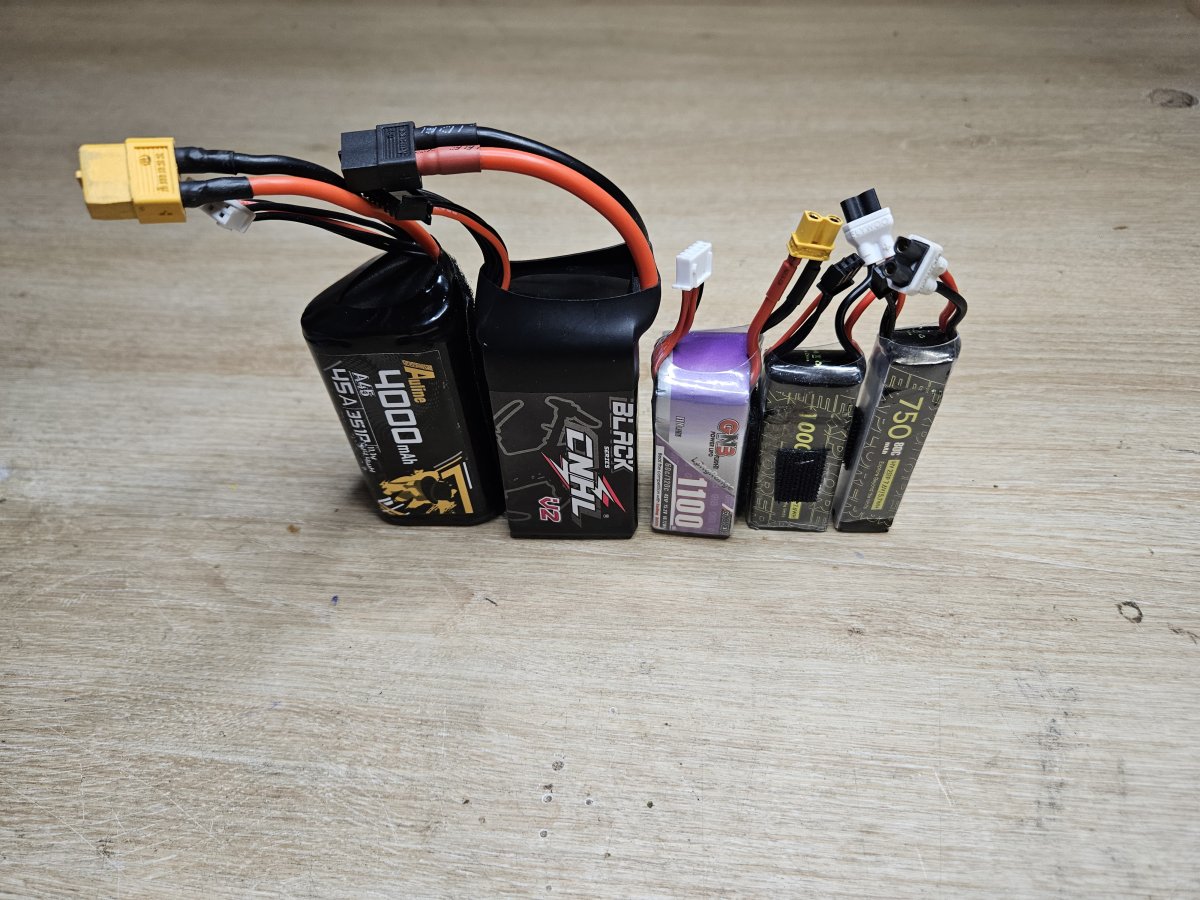
Tested flight batteries · selected for each aircraft
03 / Flight batteries
Reference batteries, tested in flight.
I select batteries for performance, availability, mass and centre-of-gravity placement. WUDFLY airframes are designed around real packs that builders can source, rather than unusual one-off battery shapes.
I test the packs myself and keep using the ones that perform reliably. Following the aircraft's reference battery choice is the best starting point for reproducing its intended balance and handling; always check the CG on your finished build.
Battery recommendations are in each aircraft's BOM
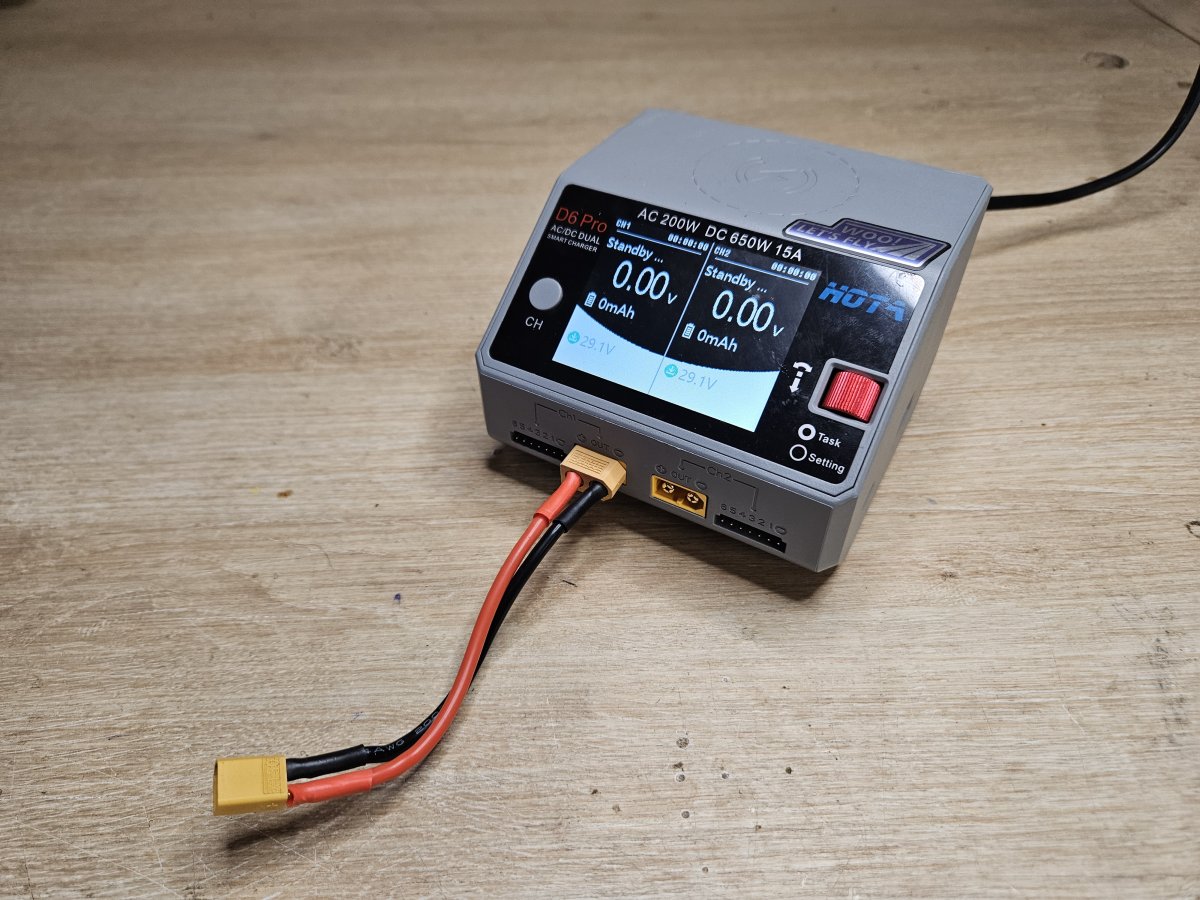
HOTA D6 Pro · dual-channel AC/DC charger
04 / Battery charger
A charger you can grow with.
The HOTA D6 Pro has been an excellent choice for my workshop. It supports lithium packs up to 6S, so it covers the battery configurations used across my current WUDFLY aircraft.
With two charging channels and dedicated charge, storage and discharge functions, it handles everyday battery care without needing another charger as you move between small 2S wings and larger 6S projects.
Select the correct chemistry, cell count and charge rate
Ready for an aircraft?
Choose the wing. Follow its reference setup.
Every WUDFLY aircraft has its own component list and build guidance. Start with the recommended equipment, then build and configure your aircraft at your own pace.